| Recent HURRTRAK Software
Enhancements...
Click on the item headings
below for more information
(some include video links)
|
 |
"ExpertEase"
– Our highly rated
ExpertEase, will
continue with the latest level of
software and includes
all 4 seasons making
it a
year round benefit.
Please note that this
feature is ONLY available to
users who maintain the
current version of the
Hurrtrak software. In order
to continue receiving these
updates, you need to upgrade
to the current software. For
those less familiar with the
feature, ExpertEase is a
superior tool in your data
arsenal. On a
daily basis via
video update, our
chief meteorologist
discusses current tropical
(and now also non-tropical)
conditions as well as what
is likely to occur in the
near term. These
observations are integrated
within the Hurrtrak program
throughout the Atlantic
Hurricane season and also
available via a web browser.
Unique to PC Weather
Product’s portfolio,
ExpertEase gives you
“inside” knowledge of the
factors and conditions
affecting the path and
strength of active tropical
storms as well as the
details on winter storms and
spring severe weather.
Remember, it is available to
all users with current
Hurrtrak software installed.
Updated National Land Cover database – In 2026, we have done a major update to the NLCD database, which contains land usage information used for calculating Advanced Wind Estimation. In addition to using current information we have also increased the resolution of the data. The combination should improve AWE calculations.
NHC forecast data enhancements – The National Hurricane Center is now including the 64 knot wind radii at the extended forecast time of 60 and 72 hours. Because of this we have made the necessary modifications to the software to utilize this data in all of our impact reports and graphics.
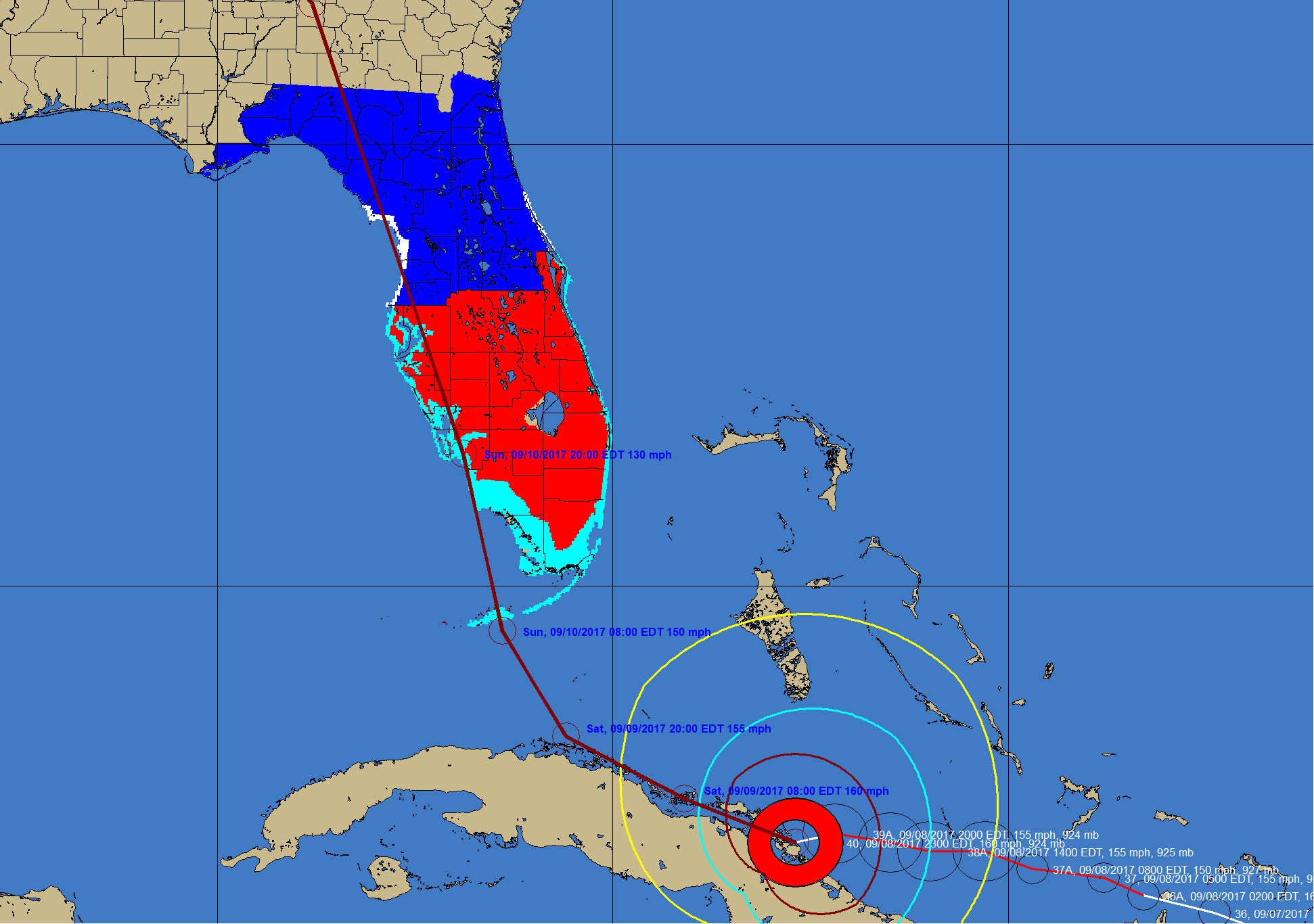
Redesigned Pattern Animation function
– Changes in the design of this capability makes this function much more usable... reducing graphic creating time 95%.
Narrative Impact Statement enhancements – The Narrative Impact Statements have been improved to take advantage of the improved wind estimation calculations and the damage comment changes above. The location based impact statements include more information about storm surge impacts as well as more comments about potential damage to structures and infrastructure.
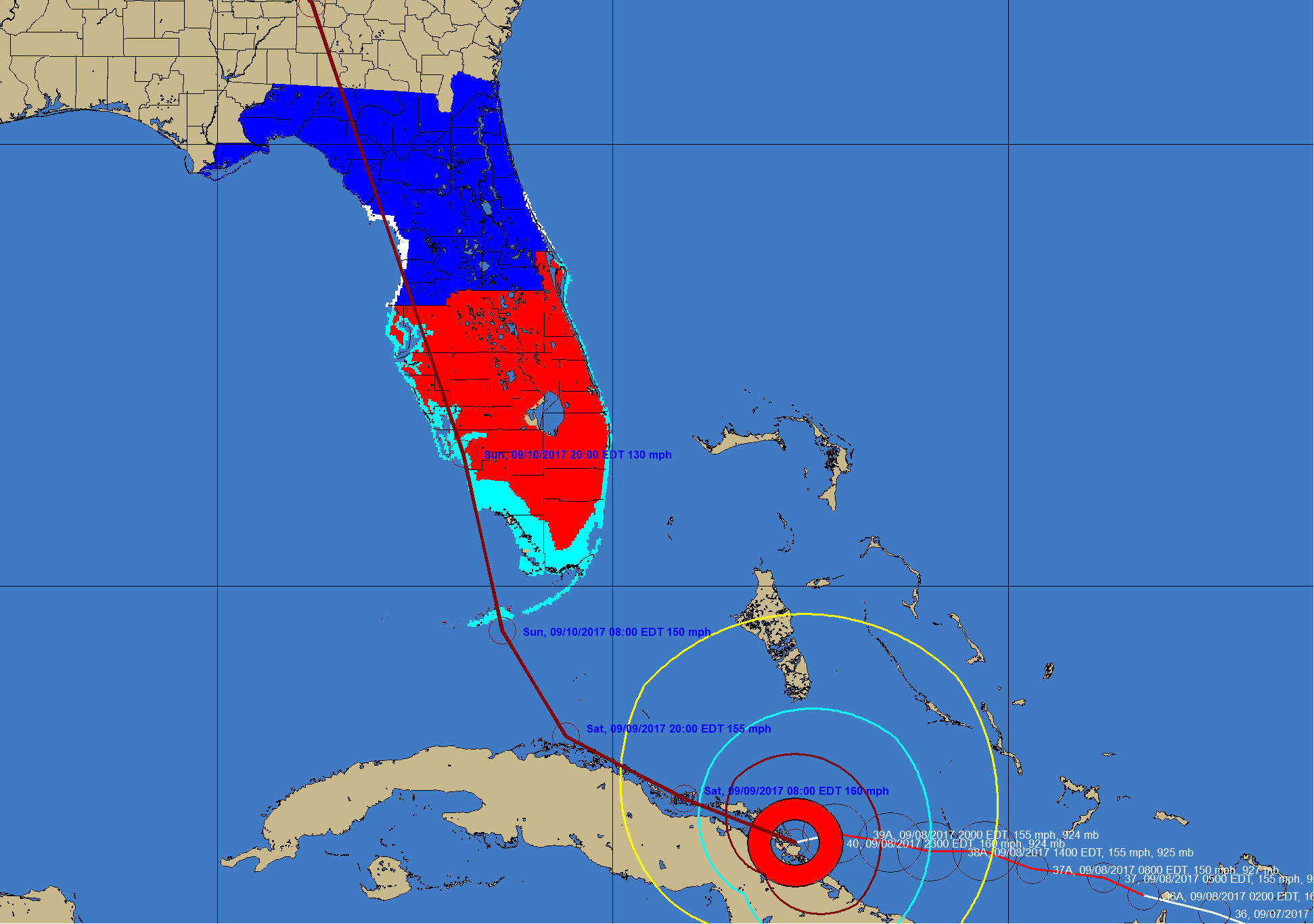
SLOSH based storm surge levels – We added program logic to estimate surge levels well ahead of the issuance of Hurricane Center storm surge watches and warnings. This is a huge improvment in the system allowing for planning well in advance of the arrival of the storm system.
Hurricane Forecast Wind Estimation Improvements
– With concept of
constant improvement... we have continued to
make enhancements to the wind
estimation routines within the system. All of
these changes are "under
the covers" within the program code.
2026 Parameters Updated – Our 2026 release includes
the latest historical data as well as error cone radii, watch/warning points data and NWS zone changes.
Miscellaneous
technical and user interface
improvements
-
Several
internal enhancements
to keep up with the changing
security nature of data and
more consistent user
interface methods.
and... more changes
under development not
yet listed
here... |